Electronic vs. digital vs. notarized signatures – not all signatures are equally reliable
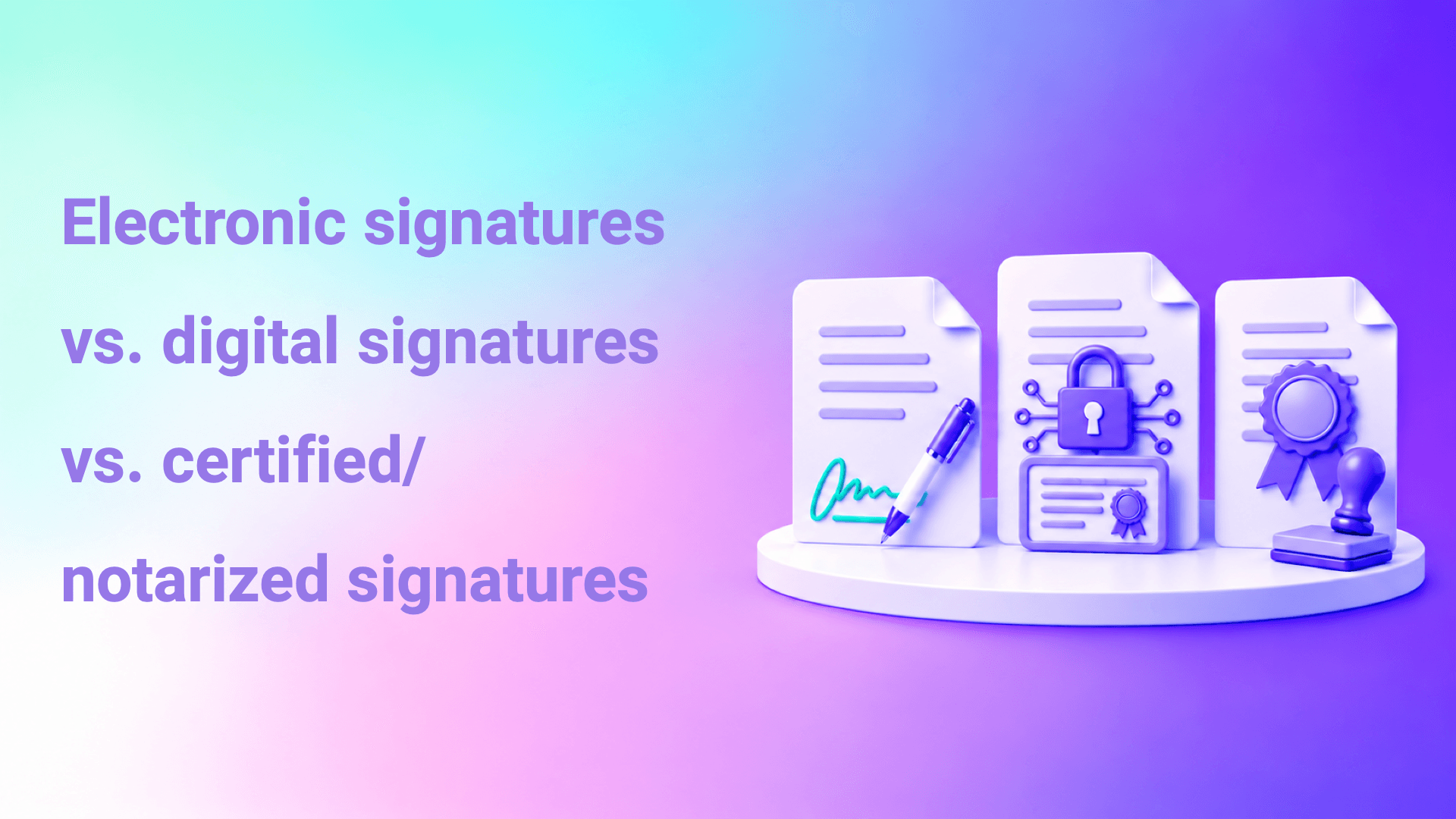
Electronic, digital and notarized signatures are three different levels of proof. An electronic signature is a general term for any electronic means that indicates a person's consent, such as clicking a button after a verification code. A digital signature is a type of electronic signature that relies on a digital certificate and encryption to bind the signature to the signer's identity and reveal any later change. A notarized document, on the other hand, is one approved by a competent official authority through its own authentication procedures. The type of document and its risk determine which of these levels fits it.
We are writing this article for legal teams and operations managers who need a practical decision: which signature level should we use for each type of document? We explain the differences between the three levels, provide a decision table by document type, and cover the common mistakes in choosing.
In this article
- Quick summary
- What is the difference between electronic, digital and notarized signatures?
- What determines a signature's evidentiary strength?
- When should you use each level?
- What does Signit provide for each level?
- What are the common mistakes in choosing a signature level?
- Frequently asked questions
- Conclusion
Quick summary
- Electronic signature is a broad umbrella, the digital signature is one of its types and the strongest technically, and official notarization is a different procedure handled by competent authorities.
- A signature's evidentiary strength depends on identity verification, binding the signature to its owner, tamper detection and the audit trail.
- Some documents only need verification codes, some need verification through the national identity and a digital signature, and some can only be completed through official notarization platforms.
- Choosing the level is a decision that matches the document's value and risk to the required strength of proof, not just a technical decision.
- At Signit, we operate as a trust service provider licensed by the Digital Government Authority, and we offer multiple verification levels, from verification codes to Nafath.
What is the difference between electronic, digital and notarized signatures?
The core difference lies in the strength of proof and how it is achieved: an electronic signature proves consent to varying degrees, a digital signature adds a cryptographic binding to identity and tamper detection, and official notarization adds the approval of a competent authority.
Under the Electronic Transactions Law, an electronic signature is electronic data linked to a transaction that indicates the signer's identity and consent. It covers many methods, from pressing an "I agree" button after a code sent to a mobile phone, to drawing a signature on the screen.
A digital signature is an electronic signature built on public key infrastructure, where the person signs with a private key linked to a digital certificate issued by a certification authority. Any change to the document after signing invalidates the verification. For details, see the article The difference between digital and electronic signatures.
A notarized document is a document approved by a competent official authority under its own procedures, such as authenticating employment contracts through the Qiwa platform, or powers of attorney and declarations at the Ministry of Justice. This is not so much a higher level of signature as a different path governed by the regulations of the competent authority.
Simple electronic signature
- How it works
- Click or draw after a verification code
- Identity proof
- Depends on the verification method
- Detecting later changes
- Relies on the platform and its records
- Typical use
- Low-risk approvals and acknowledgments
- Reference
- Electronic Transactions Law
Digital signature
- How it works
- Private key and digital certificate
- Identity proof
- Linked to a certificate and a verified identity
- Detecting later changes
- Cryptographic and embedded in the document
- Typical use
- High-value contracts and resolutions
- Reference
- Electronic Transactions Law and trust services
Officially notarized document
- How it works
- A procedure at a competent official authority
- Identity proof
- Handled by the competent authority
- Detecting later changes
- Per the competent authority's system
- Typical use
- Documents the law requires to be notarized
- Reference
- The competent authority's regulations
What determines a signature's evidentiary strength?
A signature's strength is determined by four elements: how strongly the signer's identity is verified, whether the signature is linked to its owner alone, whether any later change can be detected, and how complete the audit trail is.
Four elements that determine signature strength
Identity verification
How strongly the signer's identity is verified.
Link to the signer
The signature is linked to its owner alone.
Tamper detection
Any later change can be detected.
Audit trail
A complete audit trail.
In any dispute, the questions are: Is the signer the person concerned? Did they sign of their own free will? Has the document remained unchanged? A signature that answers these questions with clear evidence is stronger as proof. That is why a simple electronic signature with verification through Nafath and a complete audit trail can be stronger in practice than a signature drawn on screen without verification.
Licensing adds another dimension. When the service is provided by a licensed trust service provider under the Digital Government Authority, the evidence rests on a local regulatory framework. For the technical difference between a certificate and a signature, see the article The difference between a digital signature and a digital certificate.
When should you use each level?
Use the level that matches the document's value, risk and regulatory requirements: verification codes for low-risk documents, verification through the national identity and a digital signature for important contracts, and official notarization platforms for whatever the law requires to be notarized.
| Document type | Usually recommended level | Why |
|---|---|---|
| Policy acknowledgments | Electronic signature with a verification code | Low risk and a need for speed |
| Customer acceptance of terms | Electronic signature with an audit trail | Proof of consent and of the version presented |
| Non-disclosure agreements | Verification through Nafath or a verification code with an audit trail | May be needed as evidence in case of a breach |
| High-value supplier and customer contracts | Verification through Nafath and a digital signature | Financial value and a higher risk of dispute |
| Board resolutions | Verification through Nafath and a digital signature | Regulatory impact and a need to prove the signer's authority |
| Employment contracts | Authentication through the Qiwa platform | The approved platform for authenticating employment contracts |
| Powers of attorney and real estate transactions | Notarization platforms of the competent authorities | The law requires special notarization procedures |
Electronic signatureDigital signatureOfficial notarization
How does official notarization work alongside electronic signatures?
Official notarization runs on its own path, and electronic signatures complement it for the remaining documents. An employment contract is authenticated through the Qiwa platform, which has seen more than 12 million employment contracts authenticated electronically, while the accompanying confidentiality agreement and policy acknowledgments are handled with internal electronic signatures. Neither path replaces the other.
The right signature level for every document
At Signit, we offer multiple verification levels, from verification codes to Nafath, with a unified audit trail for all signatures.
What does Signit provide for each level?
At Signit, we offer multiple verification levels that organizations choose from based on the document's sensitivity, with a unified audit trail for all signatures.
In electronic signature, we verify signers through Nafath, Absher and Wathq, or with verification codes via email, SMS and WhatsApp. We operate as a trust service provider licensed by the Digital Government Authority, host data inside the Kingdom, and provide an audit trail that records who signed, when and from which device. Signers can complete their signature in under 30 seconds without creating an account.
| What you need | What Signit provides |
|---|---|
| Fast verification for low-risk documents | Verification codes via email, SMS and WhatsApp |
| Verification linked to the national identity | Nafath, Absher and Wathq |
| A local regulatory framework | A trust service provider licensed by the Digital Government Authority |
| Evidence of the signing path | An audit trail that records who signed, when and from which device |
| Managing the contract before and after signing | Contract lifecycle management platform |
| Details on digital signature formats and timestamping | Contact the Signit team |
What are the common mistakes in choosing a signature level?
The most common mistake is using a single level for all documents. Applying the highest level to every simple acknowledgment slows work down and frustrates signers, while applying the lowest level to every contract weakens proof when it matters. The better approach is to match the level to the risk of each category.
Another is confusing a signature image with a digital signature. Placing a signature image on a PDF file does not make it a digital signature, because it is not linked to a certificate and does not detect changes. This confusion leads some organizations to believe they are protected when they are not.
Some teams make the mistake of using electronic signatures for documents that the law requires to be notarized by an official authority. These documents can only be completed through the competent authority's procedures, however strong the electronic signature.
Finally, it is sometimes overlooked that a signature's strength does not prove the signer's authority. A digital signature proves that a given person signed, but their authority to bind the organization is governed by the delegation of authority matrix and mandates.
How do you define signature levels in your organization?
Start by listing documents and classifying them by risk and regulatory requirements, then set the level for each category and document it in an internal policy.
- List the types of documents that are signed in the organization.
- Identify the documents that the law requires to be notarized by an official authority, and take them out of the scope of internal signing.
- Classify the remaining documents by financial value, risk of dispute and data sensitivity.
- Set the appropriate verification and signature level for each category in coordination with legal affairs.
- Link each category to signer authorities in the delegation of authority matrix.
- Document the decision in an internal electronic signature policy.
- Configure the platform to apply the set level automatically for each document type.
- Review the policy periodically and whenever a regulatory update is issued.
To connect signature levels to end-to-end contract management, see the article Contract management from draft to archive.
Frequently asked questions
Is a digital signature always stronger than an electronic signature?
A digital signature is technically stronger because it binds the signature to a certificate and detects changes cryptographically. But practical strength also depends on identity verification and the audit trail, and the right level is determined by the document's risk.
Is a click-to-sign after a verification code legally recognized?
It counts as an electronic signature under the Electronic Transactions Law when it meets the requirements. Its evidentiary strength grows with the strength of verification and the completeness of the audit trail.
What is a notarized document?
It is a document approved by a competent official authority under its own procedures, such as employment contracts authenticated through the Qiwa platform or powers of attorney at the Ministry of Justice. It is governed by that authority's regulations.
Can powers of attorney be signed electronically on a private signing platform?
Powers of attorney and transactions that the law requires to be notarized are completed through the platforms of the competent authorities. A private electronic signature alone does not complete them.
Which level suits non-disclosure agreements?
Verification through Nafath or a verification code with a complete audit trail is advisable, because the agreement may be needed as evidence in case of a breach. The final level is set with the legal department.
Is a signature image on a PDF a digital signature?
No. A signature image is not linked to a digital certificate and does not detect any later change. It is the weakest form of evidence in a dispute.
Does a signature prove the signer's authority?
No. A signature proves the signer's identity and consent, while their authority to bind the organization is governed by the delegation of authority matrix and mandates. That is why both are verified together.
How does Signit support different signature levels?
At Signit, we offer verification by email, SMS and WhatsApp codes, or through Nafath, Absher and Wathq, depending on the document's sensitivity. We operate as a licensed trust service provider and provide an audit trail that records who signed, when and from which device.
Conclusion
Not all signatures are equal, and the right question is not "Which signature is stronger?" but "Which signature fits this document?". Simple acknowledgments only need verification codes, important contracts need verification through the national identity and a digital signature, and whatever the law requires to be notarized goes through the competent authorities. An organization that documents this decision in a clear policy gets speed where it is enough, and strong proof where it is needed.
Define the signature levels in your organization
If you are working on defining signature levels in your organization, we would be happy to help you align them with your documents.
Book a demoExternal sources and references
- Digital Government Authority (DGA): for the approved controls and requirements for digital transformation and government and electronic transactions.
- National Digital Identity System (Nafath): to confirm digital authentication standards and the legal validity of signatures by individuals and organizations.
- National Center for Electronic Transaction Services (Takamol / Wathq): to learn about direct integration and real-time verification of commercial registrations and corporate data.
- National Cybersecurity Authority (NCA): to learn about cybersecurity controls and the requirements for hosting sensitive data locally inside the Kingdom.