Nafath and identity verification in signing – signing via Nafath
Signing via Nafath means verifying the signer's identity through the National Single Sign-On (Nafath) system before the electronic signature is completed, so the signature is tied to a national digital identity sourced from official records. This answers the first question in any dispute: is the signer really the person concerned? However, Nafath proves the identity of the account holder who approved the request; on its own, it does not prove the signer's authority or the document's integrity after signing. That is why it works alongside other controls, such as the audit trail and the digital signature.
We are writing this article for compliance, risk and legal officers who rely on Nafath verification in electronic signing. We explain how Nafath verification works at signing, what it proves and what it does not, the fraud patterns that target it, and how integrated controls are built around it.
Contents
- Quick summary
- What is Nafath and how does it work in signing?
- What does Nafath verification prove, and what does it not?
- What fraud patterns target Nafath verification?
- How does Nafath work with other signing controls?
- When is Nafath verification necessary?
- What are the common mistakes in relying on Nafath?
- Frequently asked questions
- Conclusion
Quick summary
- Nafath is a national digital identity verification system, not a signing certificate issuer.
- Nafath verification ties the signature to the identity holder who approved the request from their account or app.
- On its own, Nafath does not prove the signer's authority or prevent later changes to the document, so it is complemented by the audit trail and the digital signature.
- The most common fraud patterns around Nafath rely on tricking the account holder into approving a request they did not initiate.
- At Signit, we verify signers through Nafath, Absher and Wathq, and provide an audit trail that records who signed, when and from which device.
What is Nafath and how does it work in signing?
Nafath is the National Single Sign-On system operated by the Saudi Data and AI Authority (SDAIA) in cooperation with the Ministry of Interior. It enables citizens and residents to verify their identity digitally to access government and private services.
SDAIA has announced that the system has carried out more than 3 billion verifications since its launch, serves more than 23.5 million users, and is connected to more than 530 government and private platforms and applications. This reach makes it the broadest reference for identity verification in the Kingdom.
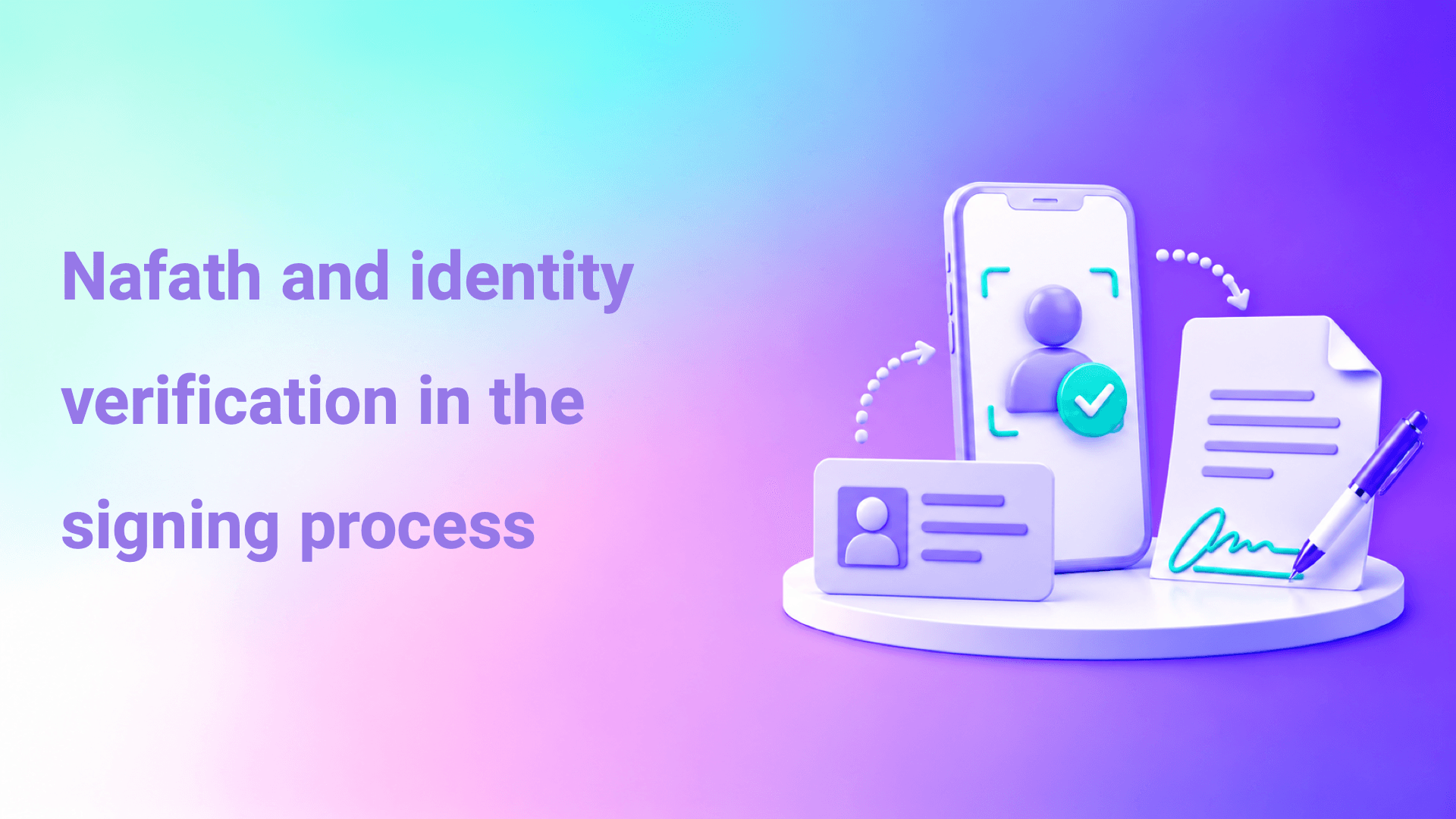
At signing, the process usually goes as follows: the signer opens the document link and chooses Nafath verification. A request arrives in the Nafath app asking them to select a number matching the one shown on screen and to verify with biometrics. Once they accept the request, the signing platform receives identity confirmation, the signer can complete the signature, and this is recorded in the audit trail.
What does Nafath verification prove, and what does it not?
Nafath verification proves that the officially registered digital identity holder is the one who approved the verification request at a specific moment. On its own, however, it does not prove that this person has signing authority, nor that the document remained unchanged after signing.
This distinction matters to the compliance officer. Nafath solves the identity problem, which is the hardest problem in remote signing. But full proof needs other elements to complete it.
| What you want to prove | Does Nafath prove it? | What complements it |
|---|---|---|
| That the signer holds a specific official identity | Yes | The audit trail preserves the verification result and its timing |
| That the identity holder approved the request personally | Usually, via biometrics in the app | Educating signers not to accept requests they did not initiate |
| That the signer has authority to bind the organization | No | Authority matrix, delegations and commercial registration |
| That the document has not changed after signing | No | Digital signature and the in-platform audit trail |
| Time of signing | Partially | Timestamp and audit trail |
| Device and context | No | The audit trail records the device and channel |
To learn more about the difference between identity verification and digital signatures, see the article The difference between a digital signature and a digital certificate.
What fraud patterns target Nafath verification?
The most common fraud patterns do not breach Nafath technically. Instead, they trick the account holder into personally approving a request they did not initiate, through a call or message impersonating a trusted party.
The fraudster calls the victim claiming to be from a government agency, a bank or a company, and asks them to accept a request that will arrive in the Nafath app "to update their data" or "to receive a payment". Once the victim accepts, the fraudster has started a transaction in their name. The competent authorities constantly warn against accepting any Nafath request the account holder did not initiate.
In the signing context, this means Nafath raises the cost of impersonation considerably, but it does not remove the role of awareness. That is why technical controls are complemented by procedures that reduce opportunities for deception.
How does an organization protect its signers from this pattern?
An organization protects its signers with three measures: the signer starts the signing process themselves from a link received through a channel they know; the message clearly states the nature of the document and the sender; and signers are reminded not to accept any Nafath request they did not initiate. For sensitive contracts, it is advisable to confirm the other party's identity through an independent channel before sending.
How does Nafath work with other signing controls?
Nafath works as the first link in an integrated chain of trust: it verifies identity, then the audit trail preserves the signing path, the digital signature detects any change, and all of this rests on a licensed trust service provider.
At Signit, we enable signer verification through Nafath, Absher and Wathq, in addition to verification codes via email, SMS and WhatsApp for less sensitive documents. We operate as a trust service provider licensed by the Digital Government Authority, provide an audit trail that records who signed, when and from which device, and host data inside the Kingdom.
| Control | Its role in the chain of trust | What we provide at Signit |
|---|---|---|
| Identity verification | Proving that the signer is the identity holder | Nafath, Absher, Wathq and verification codes |
| Audit trail | Recording the path, device and timing | Who signed, when and from which device |
| Licensing | A local regulatory framework for the service | Trust service provider licensed by the Digital Government Authority |
| Hosting | Saudi legal jurisdiction over the data | Local hosting inside the Kingdom |
| Signing without an account | Reducing friction without weakening verification | Signing in less than 30 seconds without creating an account |
| Digital signature formats and timestamping | Detecting changes and long-term validation | Contact the Signit team |
Verify signers through Nafath, Absher and Wathq
An audit trail that records who signed, when and from which device, with data hosted inside the Kingdom.
When is Nafath verification necessary?
Nafath verification is appropriate, and indeed necessary, for documents that carry financial value, legal effect or dispute risk, while verification codes may be enough for low-risk acknowledgments.
High-value supplier and customer contracts, board resolutions, non-disclosure agreements and consents to process sensitive data are all documents that may be required as evidence, and tying them to the national identity strengthens the organization's position. An acknowledgment of having read a general policy or a routine approval, on the other hand, may only need a verification code with an audit trail. This is defined in an internal policy in coordination with the legal department.
What are the common mistakes in relying on Nafath?
The most common mistake is treating Nafath as a complete guarantee. Nafath verification proves identity, but an organization that relies on it alone, without an audit trail or a signature that detects changes, may find itself unable to prove that the document in its hands is what the other party actually signed.
Another is confusing identity with authority. A successful Nafath verification means that a given person signed, but it does not mean they are authorized to bind their company. In contracts with companies, it is wise to verify the authorization or the commercial registration, and corporate verification services such as Wathq can help.
Some teams make the mistake of sending signing links without clear context. When a signer receives a link from an unknown source asking them to verify via Nafath, they may hesitate, or fall for a similar message later. A clear message from a known sender is part of protecting the signer.
Finally, retaining the verification result in the document's record is sometimes overlooked. If it is not recorded that the identity was verified via Nafath and at what time, the value of the verification is lost when it needs to be proven.
How does an organization adopt Nafath verification in its policy?
Start by identifying the documents that need Nafath verification, then choose a licensed platform that retains the verification result in the audit trail, and add authority and awareness controls.
Steps to adopt Nafath verification in your organization's policy
- Classify documents by value and risk, and determine which of them need Nafath verification.
- Choose a licensed signing platform that retains the verification result and its timing in the audit trail.
- Add verification of the signer's authority for contracts that bind companies or entities.
- Design sending messages that make the sender and the nature of the document clear.
- Educate internal signers not to accept Nafath requests they did not initiate.
- Adopt digital signatures or change-detection controls for important documents.
- Review audit trails regularly to detect any unusual activity.
- Update the policy as fraud patterns and regulatory requirements evolve.
To connect verification to the full contract journey, see the article Contract management from draft to archive.
Frequently asked questions
Is Nafath a signing certificate issuer?
No. Nafath is a digital identity verification system. It is used to verify the signer before signing, while signing certificates are issued by certification authorities within the trust services framework.
Is Nafath verification enough to prove a signature?
Nafath proves the signer's identity, but full proof requires an audit trail that preserves the signing path and controls that detect any later change to the document. Combining them strengthens the organization's position.
Does Nafath prove that the signer is authorized on behalf of their company?
No. Nafath proves a person's identity, not their authority. Authorization is verified through the commercial registration, a letter of authorization or corporate verification services.
How do some people commit fraud using Nafath?
The common pattern relies on tricking the account holder into accepting a Nafath request they did not initiate, by impersonating a trusted party through a call or message. The basic protection is never to accept a request the user did not initiate themselves.
Does the signer need an account on the signing platform?
With Signit, the signer can complete signing in less than 30 seconds without creating an account. Their identity is verified through Nafath or the verification method the organization specifies.
When are verification codes enough instead of Nafath?
They are usually enough for low-risk acknowledgments and approvals, with a complete audit trail. For high-value contracts and sensitive documents, Nafath verification is advisable.
Is proof of Nafath verification retained?
The signing platform should retain it in the audit trail along with its timestamp. This is what makes it possible to refer back to it when proof is needed.
How does Signit support Nafath verification?
At Signit, we verify signers through Nafath, Absher and Wathq, and we operate as a trust service provider licensed by the Digital Government Authority. We provide an audit trail that records who signed, when and from which device, with data hosted inside the Kingdom.
Conclusion
Nafath verification answers the hardest question in remote signing: who signed? But it is one link in a chain of trust that is only complete with an audit trail that preserves the signing path, controls that detect changes, verification of the signer's authority, and awareness that protects against deception. An organization that builds these links together gets a signature that stands up to review and dispute.
Adopting Nafath verification in your organization's signatures
If you are working on adopting Nafath verification in your organization's signatures, we would be glad to show you how our platform supports it.
Book a demoExternal sources and references
- Digital Government Authority (DGA): for the approved controls and requirements for digital transformation and government and electronic transactions.
- National digital identity system (Nafath): to confirm digital authentication standards and the legal validity of signatures by individuals and organizations.
- National Center for Electronic Transaction Services (Takamol / Wathq): to learn about direct integration mechanisms and real-time verification of commercial registration authorities and corporate data.
- National Cybersecurity Authority (NCA): to learn about cybersecurity controls and the requirements for hosting sensitive data locally inside the Kingdom.